Back to Products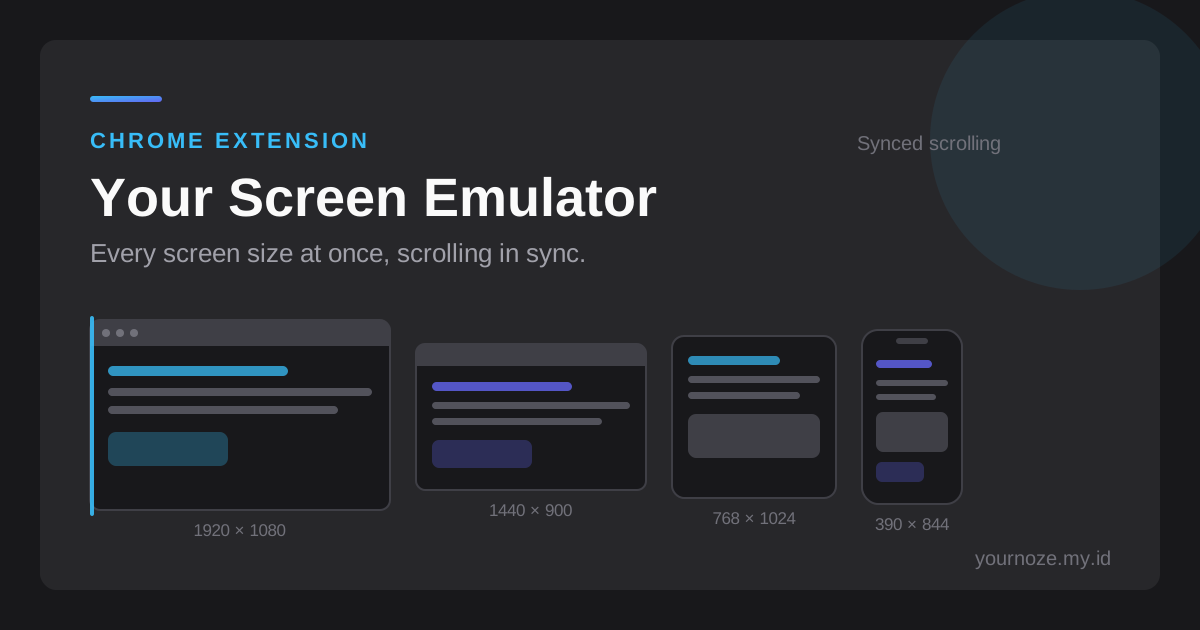
Your Screen Emulator — Responsive Device Preview
browser-extension
2026live
Overview
Chrome extension that shows the page you are already on at many screen sizes at once, side by side in the same tab, with scrolling and navigation kept in sync between frames. Built for responsive testing without a device lab: no uploads, no account, no remote processing — every frame, screenshot, and recording is produced on your own machine.
Key Features
- ✓Built-in catalog of viewport sizes for phones, tablets, laptops, and monitors, plus every Tailwind CSS breakpoint
- ✓Custom viewport dimensions you can save as reusable presets
- ✓Synchronised scrolling and navigation across all frames, with per-frame unlinking when you need one to stay put
- ✓Optional device bezels, mobile status bar, and simulated browser toolbar for realistic previews
- ✓Live readout of CSS dimensions, device pixel ratio, the active breakpoint, and zoom level
- ✓Screenshots, full-page captures, transparent device mockups (PNG), and screen recordings (WebM)
- ✓Workspaces that save a device set and layout so you can reopen a page in the same arrangement
- ✓Keyboard-driven interface with a command palette (Ctrl+K / Cmd+K)
- ✓Works on localhost and on sites that send X-Frame-Options, with header handling you can switch off
- ✓Privacy by design: no analytics, no telemetry, no remote code, and no outbound network requests
- ✓Bilingual interface in English and Indonesian
- ✓Free to use, no registration and no watermark
Tech Stack
Chrome Extension (Manifest V3)TypeScriptJavaScriptHTML5CSSChrome Storage APIDeclarative Net RequestCanvas APIMediaRecorder API